Dismissals

Connecting Parent Requests, Staff Approvals, and Gate Pickups in One Record

Every Early Leave, Approved Before the Gate

SCL Dismissals covers the two moments a school most often loses track of a student: the request to leave early, and the handover at the gate. Parents file an Early Leave Request from the web or the SCL mobile app, staff approve or reject it, and every pickup is logged as it happens.A parent picks the child, chooses a reason from a list the school controls, and sets a leaving date and time. Staff holding that grade are notified, review the request against the student's early-leave history, and decide. The parent gets the answer on their phone, and the teachers whose lessons the student will miss are told before those lessons begin.At the gate, families present a QR Pickup Pass. Scanning it registers the pickup and closes out the matching approved request for that day, so the office finishes the afternoon with one list of who left, when, and why.

Early Leave Requests

01

Requests From the App

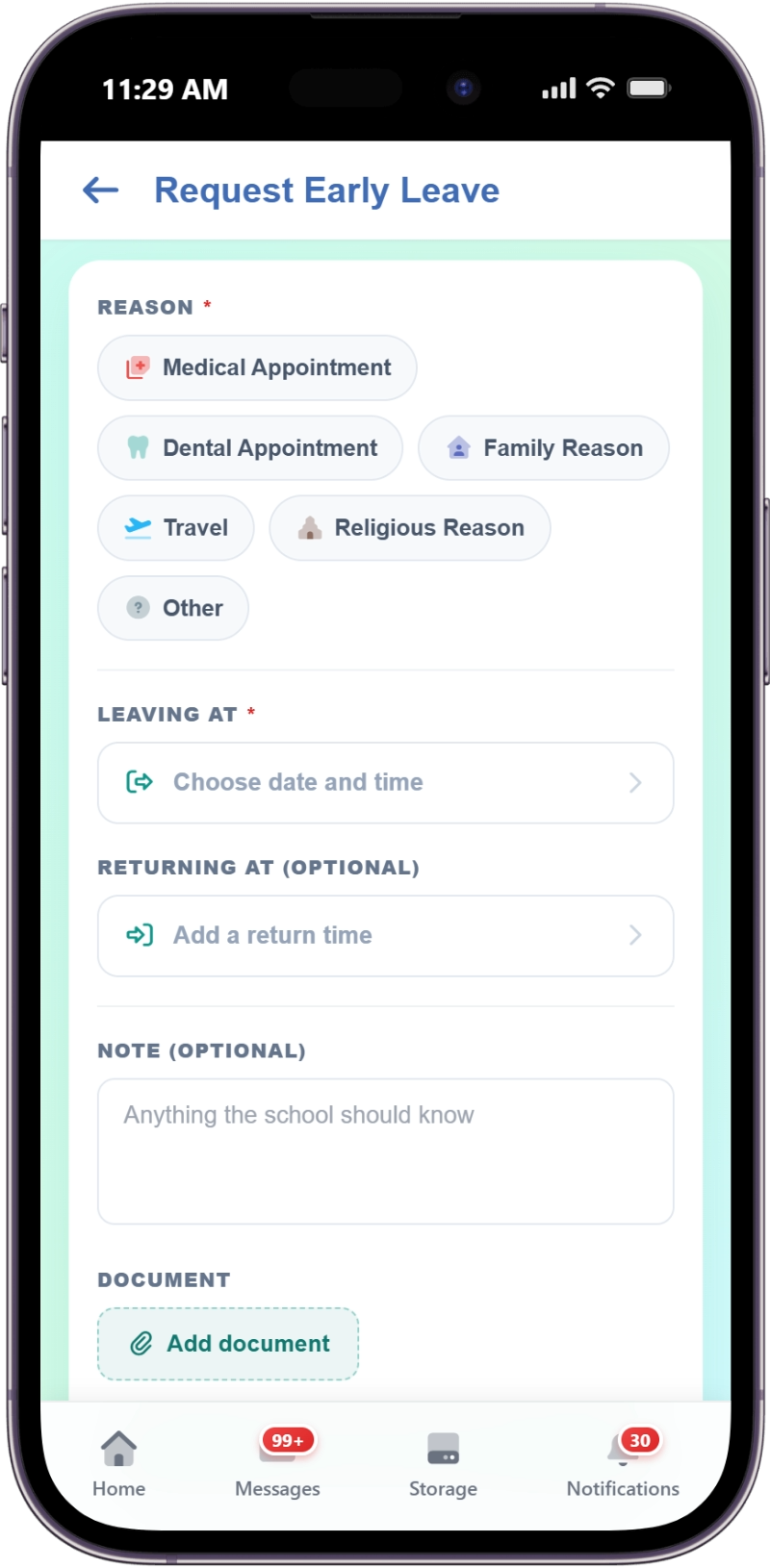
Parents file an Early Leave Request from the SCL mobile app or the web, naming the child, the reason, and the leaving date and time. An optional returning time, note and attachment travel with it, so staff decide on the full picture.
02

Reasons the School Controls

Admins manage the Early Leave Reasons catalogue, so parents choose from the school's own list instead of typing free text. Any reason can be set to require a supporting document, and a request without one cannot be submitted.
03

A Daily Request Window

Schools set the hours during which parents may file a request, so the office is not handling new requests minutes before the gate opens. Staff can still record a request outside the window when a family calls.
04

Approval Insights

Before deciding, approvers see the student's early-leave history on the same screen: this year, the last 30 days, requests never collected, and siblings leaving the same day. A pattern that used to live in someone's memory is now visible.
05

One-Click Decisions

Staff approve or reject straight from the request list without opening a separate screen. A rejection requires a note explaining it, and an approval can carry a different leaving time when the school needs the student to stay longer.
06

Teacher Alerts and Excused Lessons

Approving a request notifies the teachers whose lessons the student will miss, read from the school Timetable, and marks those lessons excused in Attendance. No teacher marks a student absent for a leave the office already approved.

Pickups at the Gate

07

The QR Pickup Pass

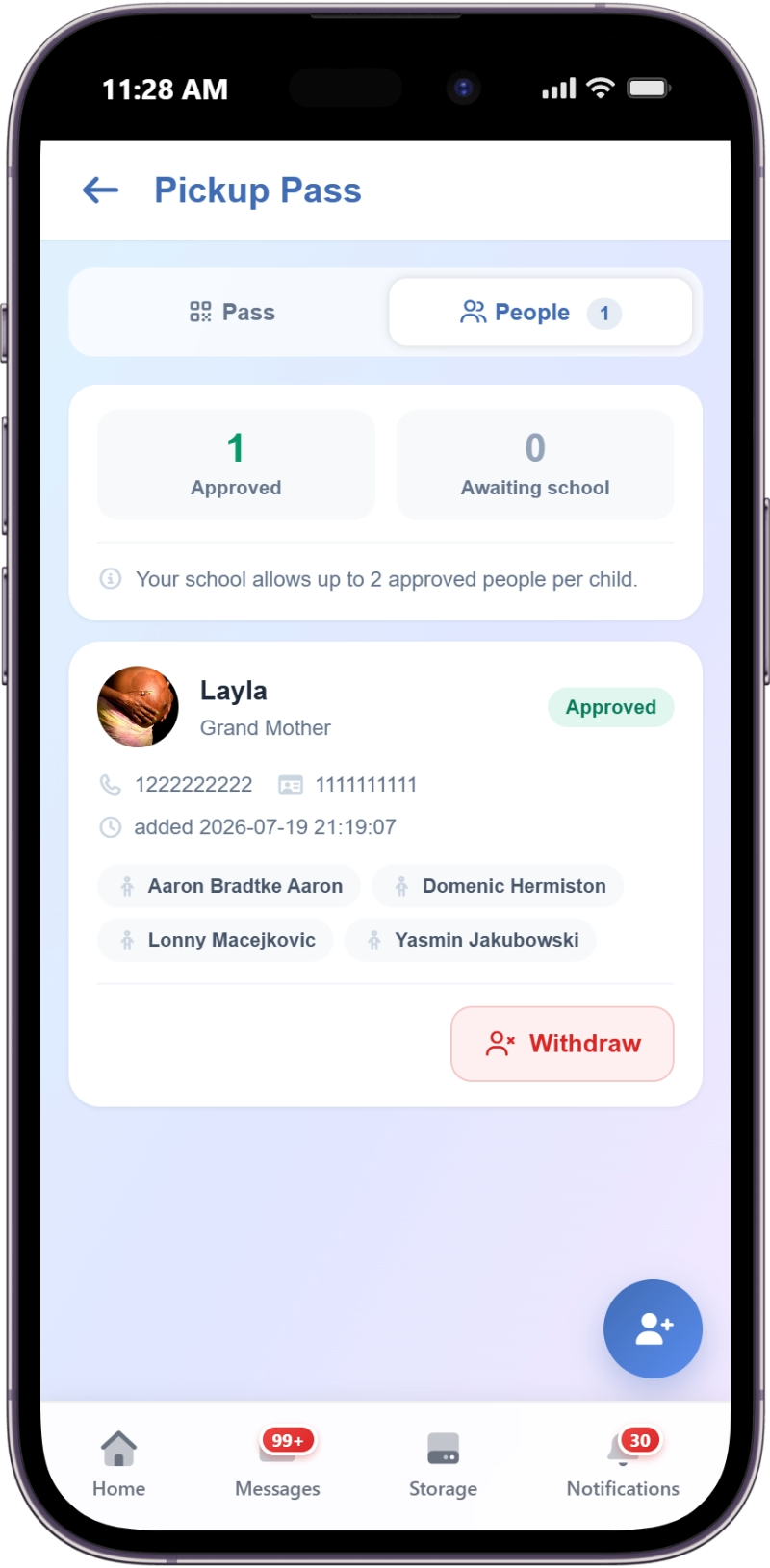
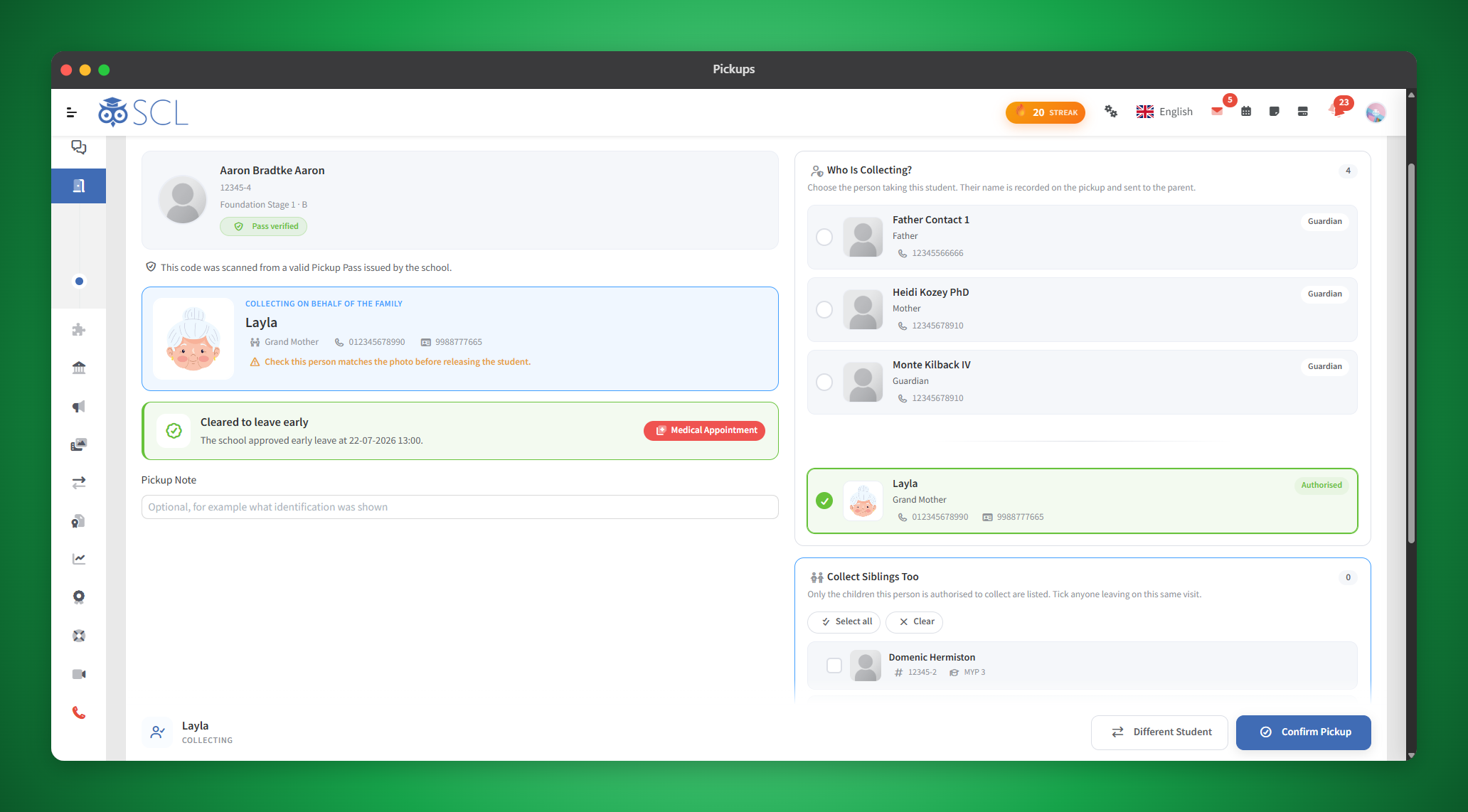
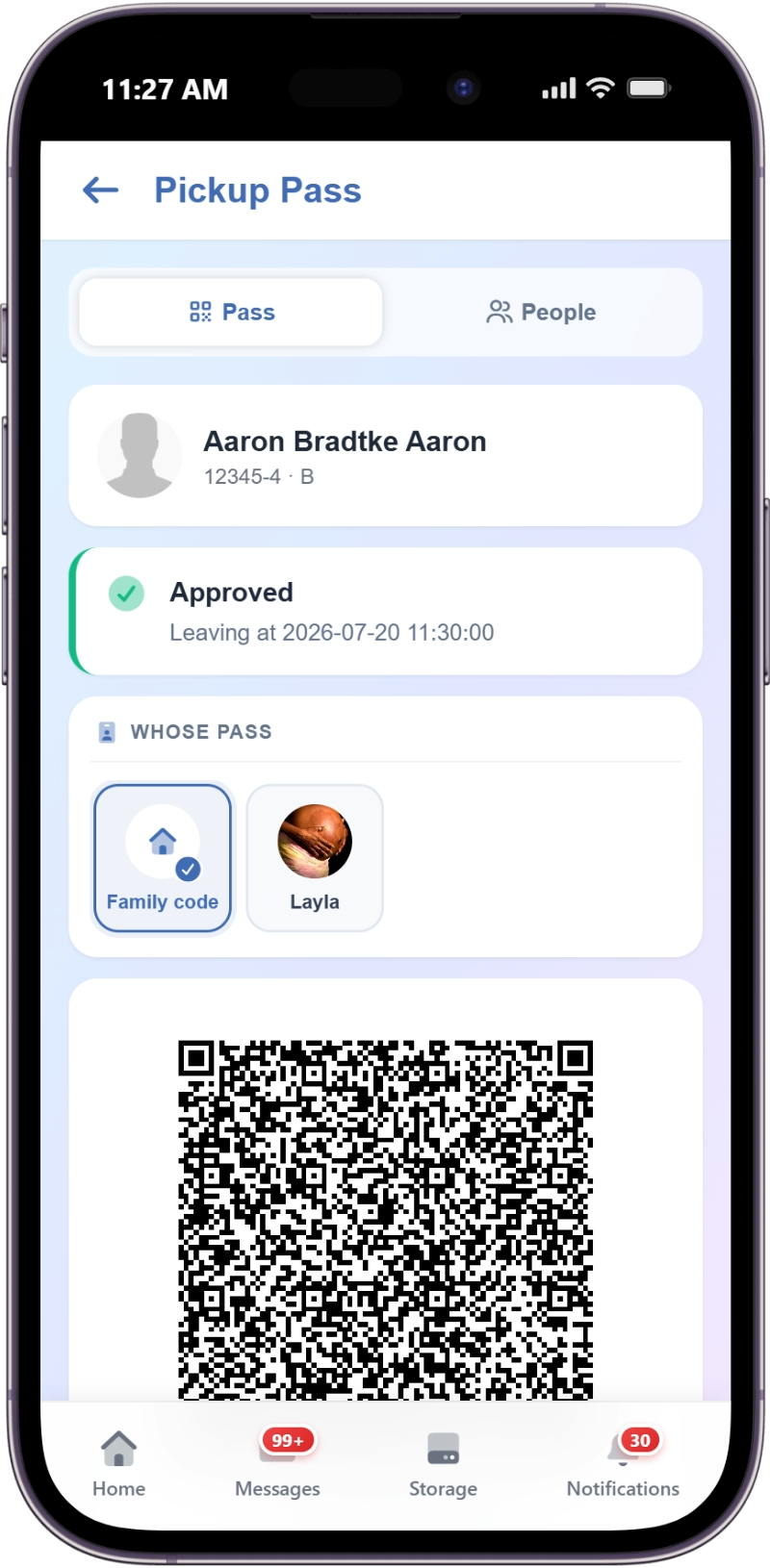
Parents and students open a QR Pickup Pass from the SCL app or the web. Staff scan it at the gate and the pickup screen opens with the right student already selected, so nobody spells out a name at a busy door.
08

Passes That Expire

Each Pickup Pass carries a timestamp and stops working after the number of hours the school sets. A pass screenshotted and forwarded from last week will not open the pickup screen, and staff are told it has expired.
09

Manual Entry When Needed

Staff can register a pickup by searching for the student instead, for the family that arrives without a phone. Every record stores whether it came from a QR Code Scan or a Manual Entry, along with a note and who registered it.
10

One Record, Both Halves

When a student is scanned at the gate, SCL finds their approved request for that day and stamps it collected. Leadership sees which approved leaves actually happened and which are still sitting at Not Collected.

Records and Notifications

11

Notifications on Every Channel

A decision reaches the parent in the app and by push notification, and schools can add a private message, an email, or an SMS on top. Each channel is switched on or off from the Dismissals settings.
12

A Searchable Register

Every pickup and every request stays in a filterable list showing the student's name and code, the source, the notes, and who registered it. Lists export to CSV when leadership wants the term's record outside the system.

See It Live

See How SCL Handles Your Dismissal Routine

Walk through the Early Leave Request list, the Approval Insights panel, and the QR Pickup Pass with someone who can answer questions about your school's gate routine.