
One login for everything a student is asked to do
The School Day, From the Student's Side
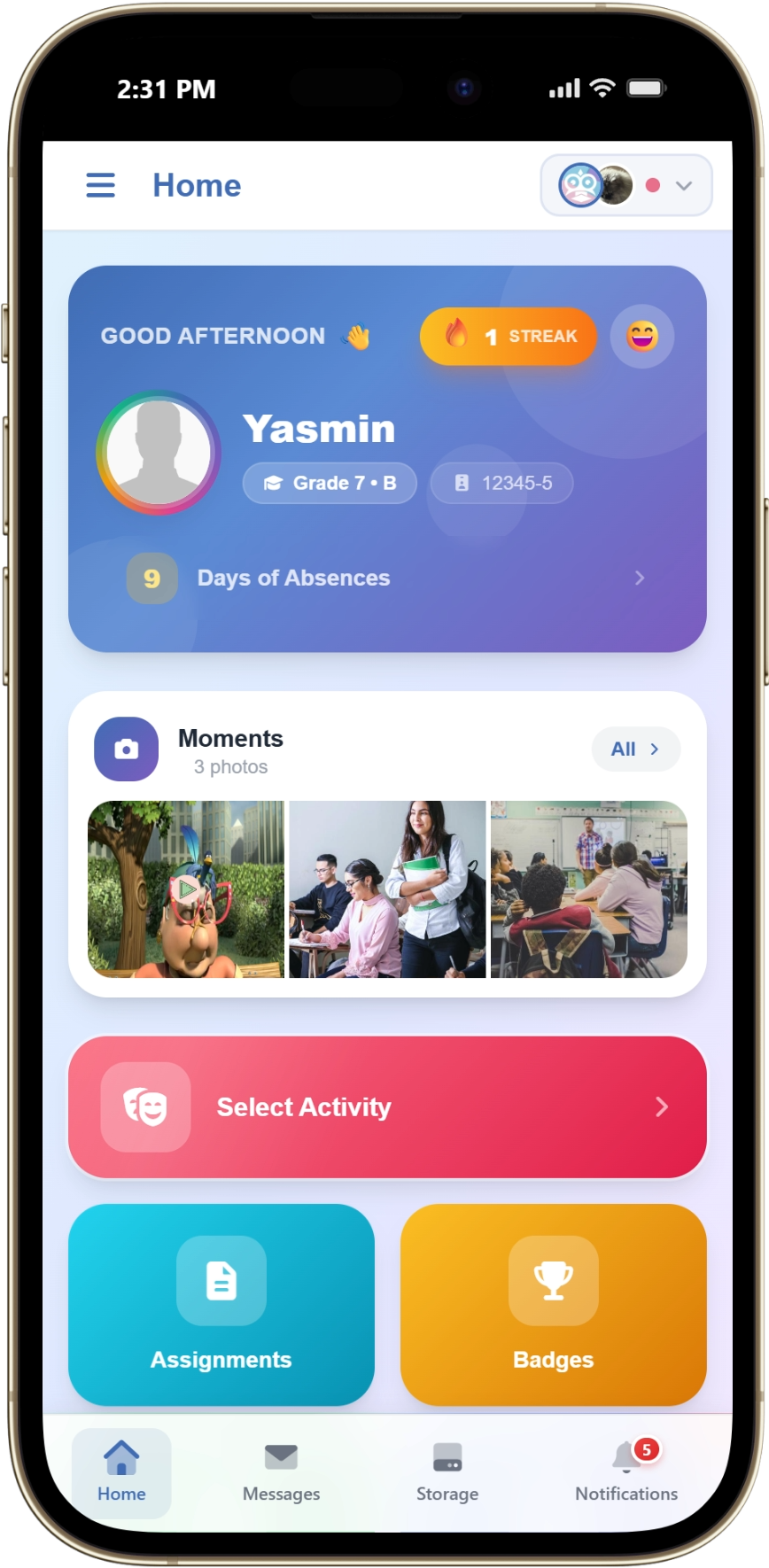
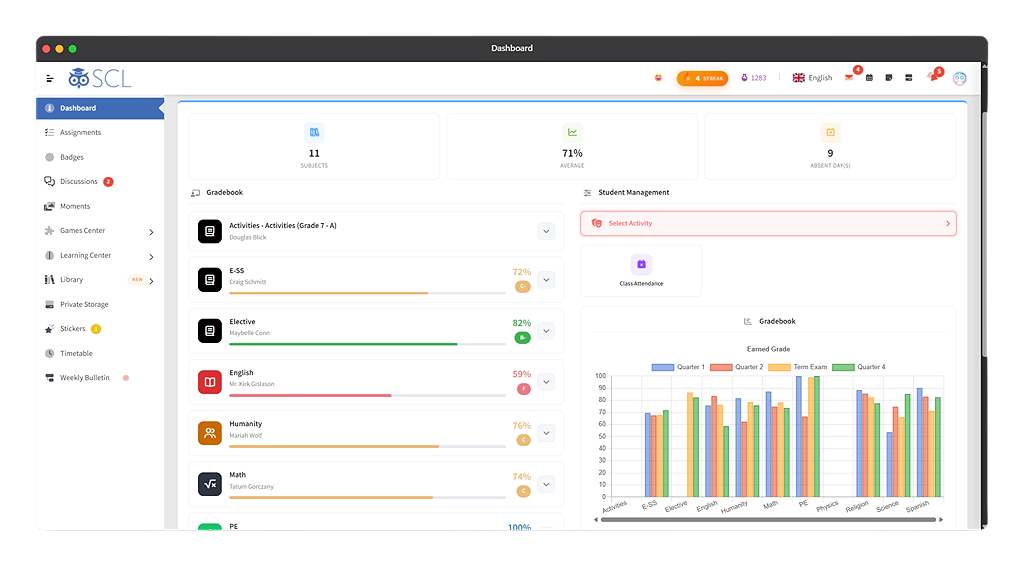
Students do not think in modules. They want to know what is due, what they scored, where to be next, and how to join the lesson. SCL gives them one login for all of it. Assignments and marks come from the same gradebook their teachers work in, so a score is visible the moment it is entered rather than at the end of term. Their week comes from the school timetable, and a live lesson in virtual classrooms opens in one click with attendance taken at the door. Around that sit the things that make a school feel like one: class discussions a teacher moderates, badges and house points from gamification, books borrowed from the library, and their own course choices for next year, made against rules the school sets. Their report card lands in the same place, on the web and on their phone.
Giving Every Student Their Assignments, Grades, Timetable and Classes in One Login
Everything a Student Needs, in One Place
The SCL Student Portal gives every student one place for their school day, on the web and in the SCL mobile app. Students open it to see their gradebook, timetable and report card, take and submit interactive assignments, join live virtual classes, and message their teachers directly. Because the same login carries their attendance, course selections, class discussions and notifications, students spend less time chasing information and more time learning. For school leaders, that means fewer questions at the front desk and a consistent experience for every student, in every division.
Interactive Assignments
Gradebook
Timetable
Report Card
Virtual Classrooms
Course & Activity Selection
Beyond Assignments and Grades
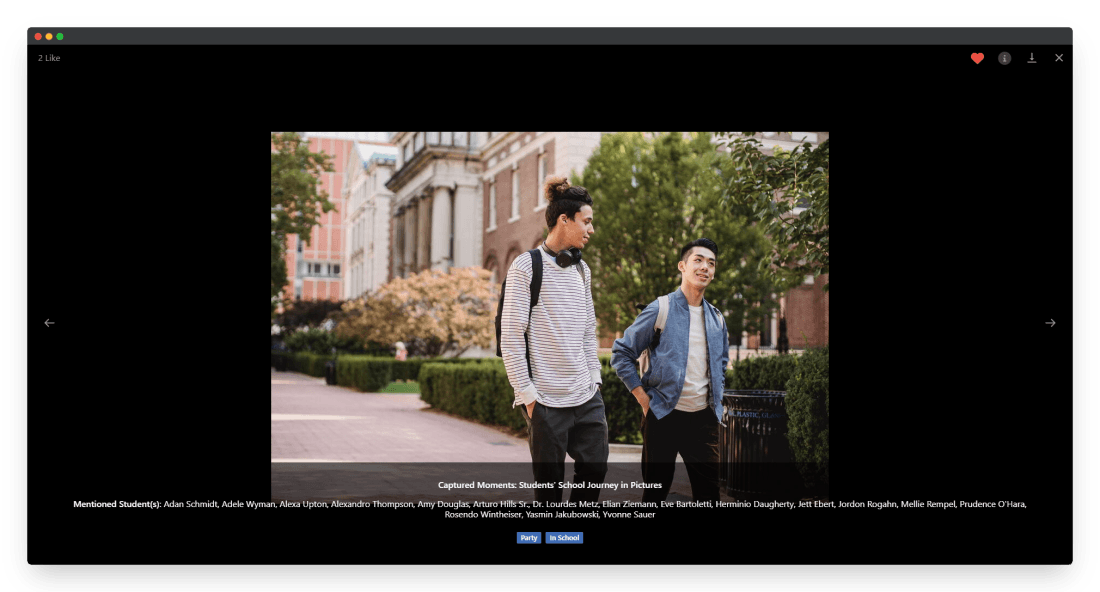
A student's day is more than marks. In the same portal, students check their attendance, message their teachers, join class discussions, revise with flash cards, and see the stickers and badges their teachers award. It keeps students connected to their class and motivated to keep going.
Attendance & Absences
Messages & Discussions
Stickers, Badges & Games
Learning Center
Moments
Wellbeing & Motivation
See It Live
See How Your Students Stay on Track
Walk through assignments, the gradebook, timetables and report cards with our team, and see how your students find their classes, reminders and results in one place.