
Built in aSc TimeTables, synced both ways, seen by everybody
One Schedule the Whole School Works From
Timetabling is its own craft, and schools that are good at it are usually good at it in aSc TimeTables. SCL does not try to replace that. It round-trips with it. Build the schedule where you always have, import it, and it becomes the timetable every teacher, student and parent sees. Change a lesson on either side and the two stay in step, so there is no second version circulating as a PDF. Once it is in, the schedule is what everything else runs on. Per-subject attendance knows which class is meeting. A live lesson in virtual classrooms opens at the right hour. Students choosing subjects through course selection see their own week fill up as they pick, and clashes surface before the registrar has to unpick them. Families see the same week in the parent portal.
One Weekly Schedule Everyone Can See
Every teacher, student and parent opens SCL to the same clear view of the week: each subject in its slot, the teacher who takes it, and today highlighted. Students and parents carry the same timetable in the mobile app. Build the master schedule in aSc TimeTables, then import it straight into SCL and review every change before it saves, so the week your school planned is the week everyone sees.
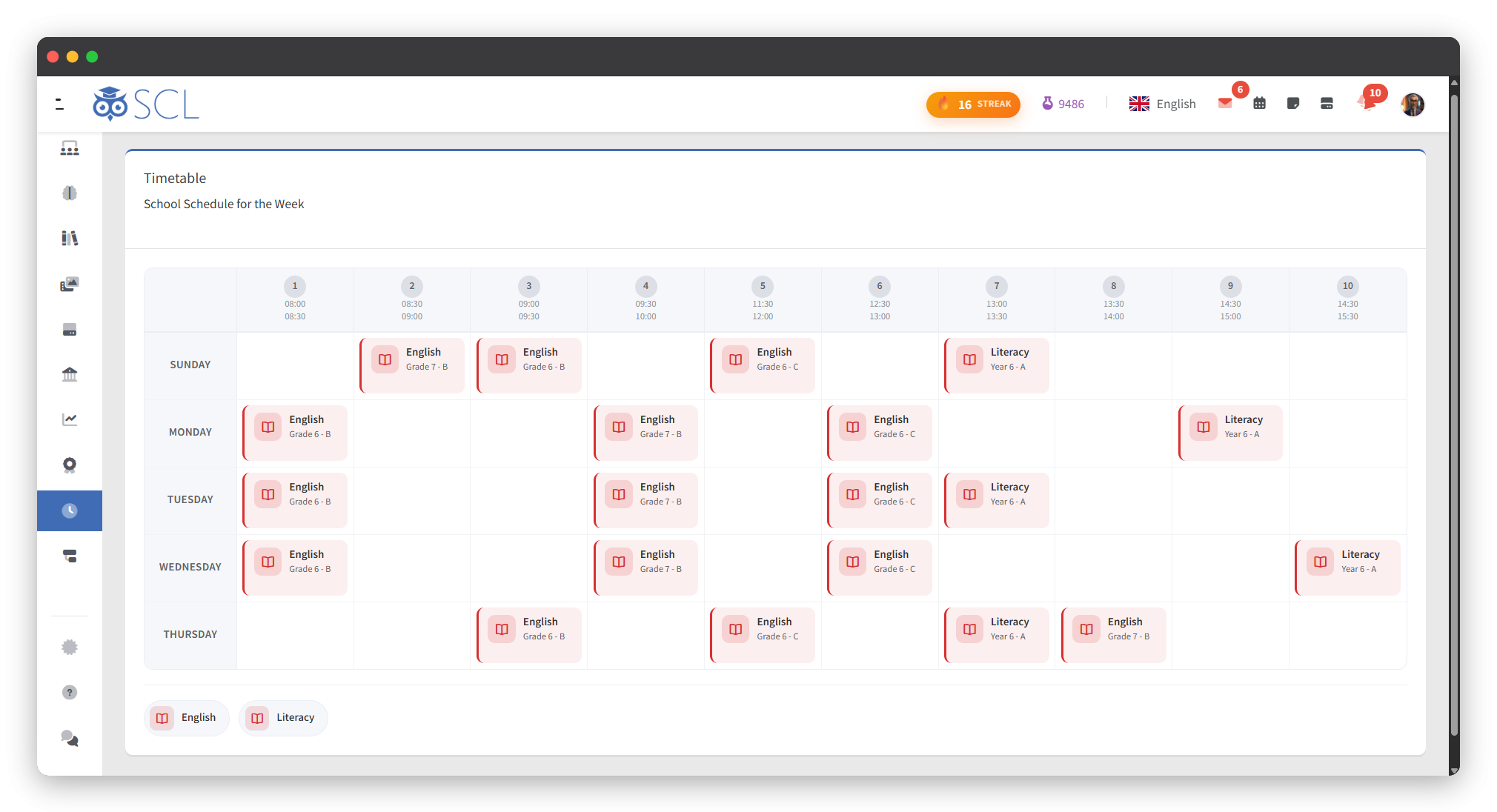
Everyone's Weekly View
Timetables in the App
Built in aSc, Imported to SCL
A Preview Before It Saves
Timetables That Survive Promotion
Early Leaves, Attendance in Sync
See It Live
Put Your Timetable in Everyone's Hands
Walk through the aSc TimeTables import, the preview before it saves and the weekly view teachers, students and parents open, and see the week you planned reach everyone.