
Catalog, Circulation, Reservations and Reading Challenges in One System, With No Separate Library Login

Every Book and Every Borrower, in One Place

SCL Library is a complete lending library inside the system your school already runs. The staff member who runs it gets a catalog, a circulation desk, a reservation queue and shelf audits. Students and teachers get a place to find books, and parents can see what their children are reading, with no separate system and no second login.Books are catalogued by ISBN, and SCL fills in the title, author, publisher and cover art. Every copy carries its own barcode, so issuing, returning and renewing a book is a single scan at the desk. Loan rules set how long each group of borrowers keeps a book and how often they can renew it.Because the library lives inside SCL, every loan is already attached to a real student record. Due and overdue notices reach readers on their own, and leadership can see what is on loan, what is overdue and what has never left the shelf.
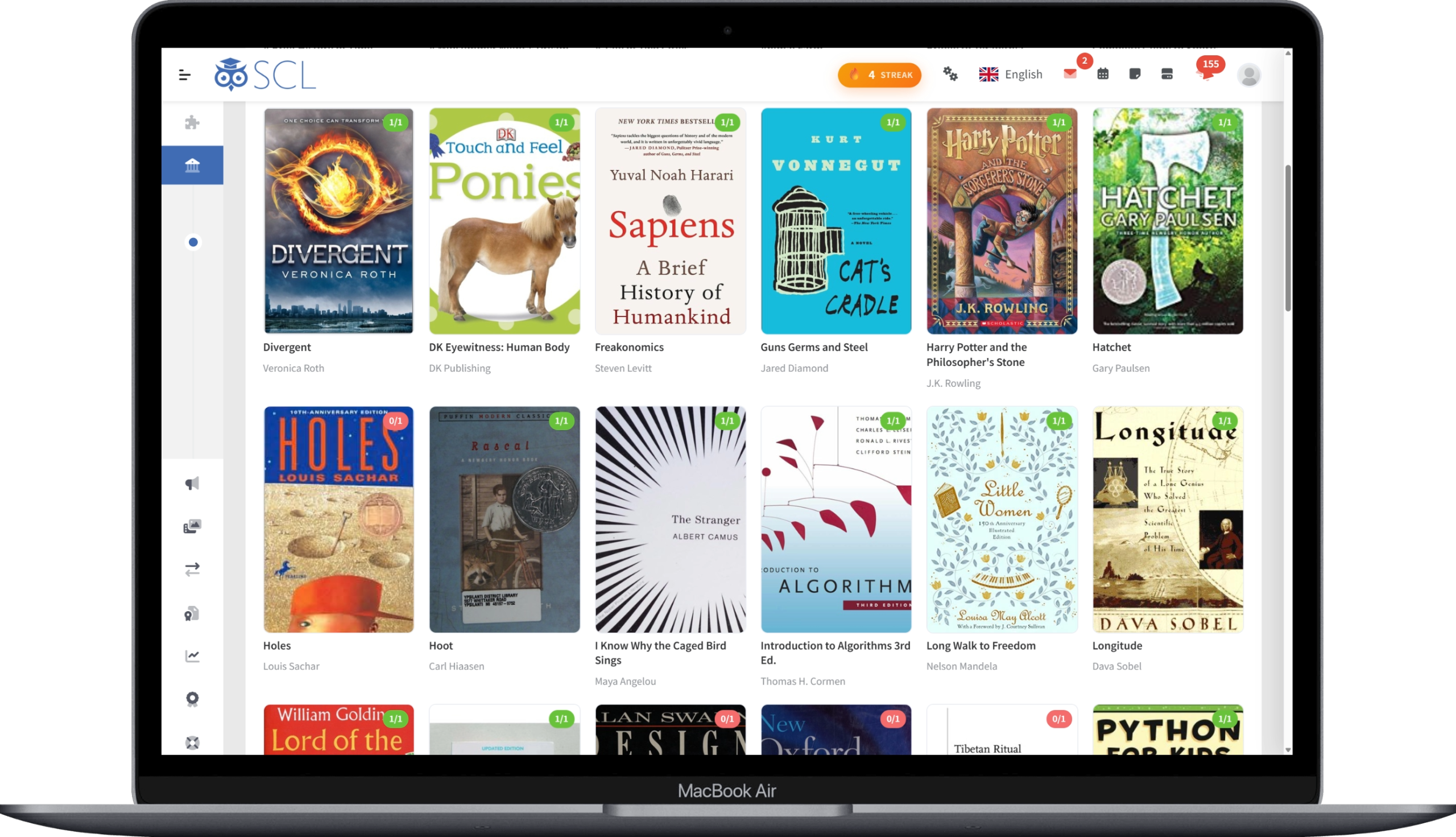
Library Management

01

Catalog and Copies

Add a book by ISBN and SCL pulls the title, author, publisher and cover art from Google Books and Open Library. Generate barcoded copies in a batch, each with its own accession number and shelf location.
02

One-Scan Circulation

The Circulation Desk issues, returns and renews a book from a single barcode scan, using any USB scanner as a keyboard. Loan rules apply themselves per borrower group, enforcing loan periods, book limits and renewal caps.
03

Reservation Queue

Readers place a hold on a title that is out, and SCL queues them in order and shows each one their position. When a copy is returned it is set aside for the next reader in line, who is notified that it is ready.
04

Class Sets

Issue a title to a whole class in one action, instead of booking thirty separate loans. When the set comes back, return it all at once or copy by copy, marking anything that came back damaged or lost.
05

Reading Challenges

Set a reading goal for the whole school, for chosen educational levels or for specific classrooms, counting books or pages over a date window. Progress is calculated live from real loans, and a completions report shows who reached the goal.
06

Shelf Audits

Open a stocktake session and scan the shelves to check the collection against the catalog. SCL flags every copy that turns up in the wrong place, is already out on loan, or is not in the catalog at all.
07

Circulation Reports

The Library hub tracks what is on loan, what is overdue and what is running low on copies, alongside 30-day activity and most-borrowed lists. Circulation reports add the titles nobody has ever borrowed and the copies logged lost or damaged.
08

Bulk Import

Load an existing collection from a CSV file, matching on ISBN so SCL fills in the details and the cover art row by row. The import runs in the background and reports which rows were created, updated or skipped.

Discovery for Readers and Families

09

Discover

Students, teachers and parents browse the catalog by category, reading level or collection, and see at a glance how many copies are free to borrow. Every book page suggests other titles the reader might like.
10

My Shelf

Students keep a shelf of what they want to read, what they are reading and what they have finished, next to their current loans and full reading history. Parents see the same shelf for their children.
11

Reader Reviews

Students and teachers rate a book from one to five stars and write a review of it. Nothing appears until the library approves it, so every recommendation on a book page is moderated before another reader sees it.
12

Due Date Notices

SCL sends a reminder before a book is due and again once it is overdue, as a phone notification and a message in the app. The school chooses how many days of warning to give, and readers can switch the notices off themselves.